AI Dashcams for Fleets: Warnings, Video and System Limits
- Share
- publisher
- Vicky
- Issue Time
- Aug 22,2025
Summary
Learn how AI dashcams combine video, ADAS and DMS alerts, what their limits are and what fleets should test before rollout.
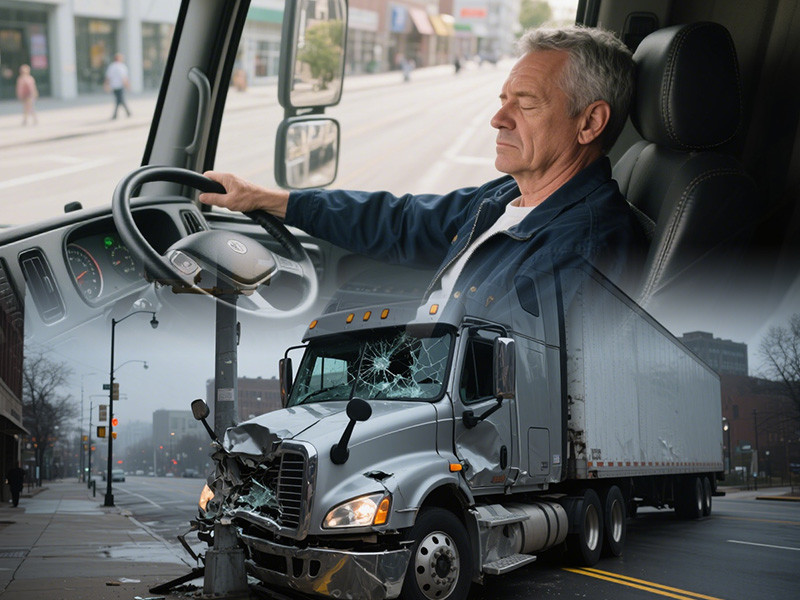
AI Dashcam Guide
An AI dashcam combines video recording with selected road or driver alerts. It can add context and timely warnings, but it cannot predict every crash or prove that one person caused an event.
The short answer
Decide whether the fleet needs road video, driver video, ADAS warnings, DMS alerts or all four. Confirm what happens on the device and what needs a network. Test detection, storage, upload time, privacy and event review before purchase.
What makes a dashcam an AI dashcam?
The system uses software to identify set patterns in road or driver images. It may warn about lane departure, close following, distraction or fatigue signs. Each function has a defined view and operating limit.
What is the difference between ADAS and DMS?
ADAS watches part of the road scene. DMS watches the driver area. A product may include both, but the alerts are not the same. Check which camera creates each warning.
- Choose road, driver or combined views
- Confirm local versus connected functions
- Set video access and retention rules
- Pilot image quality and alert accuracy
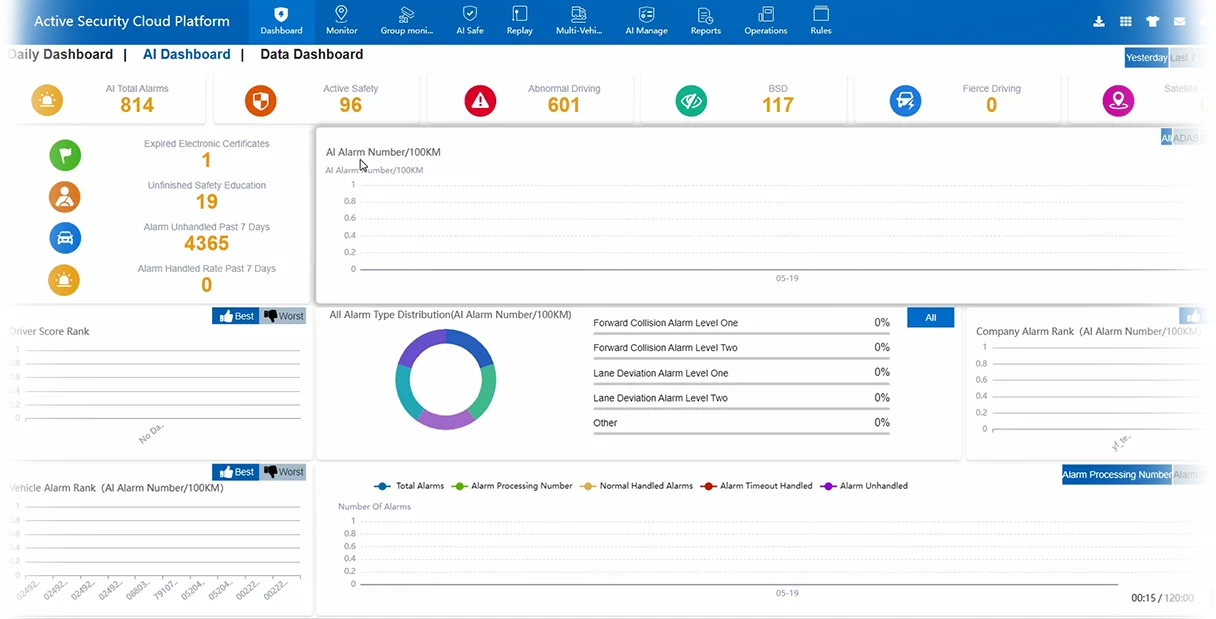
How can video support incident review?
Video can show traffic, weather, driver action and timing around an event. It may not show every side of the vehicle or what happened before recording began. Keep other records and driver input.
What should a fleet test?
Check image quality, night view, audio rules, storage time, event upload, access roles and data cost. Test false and missed alerts. A short pilot should include the vehicles and routes that will use the system.
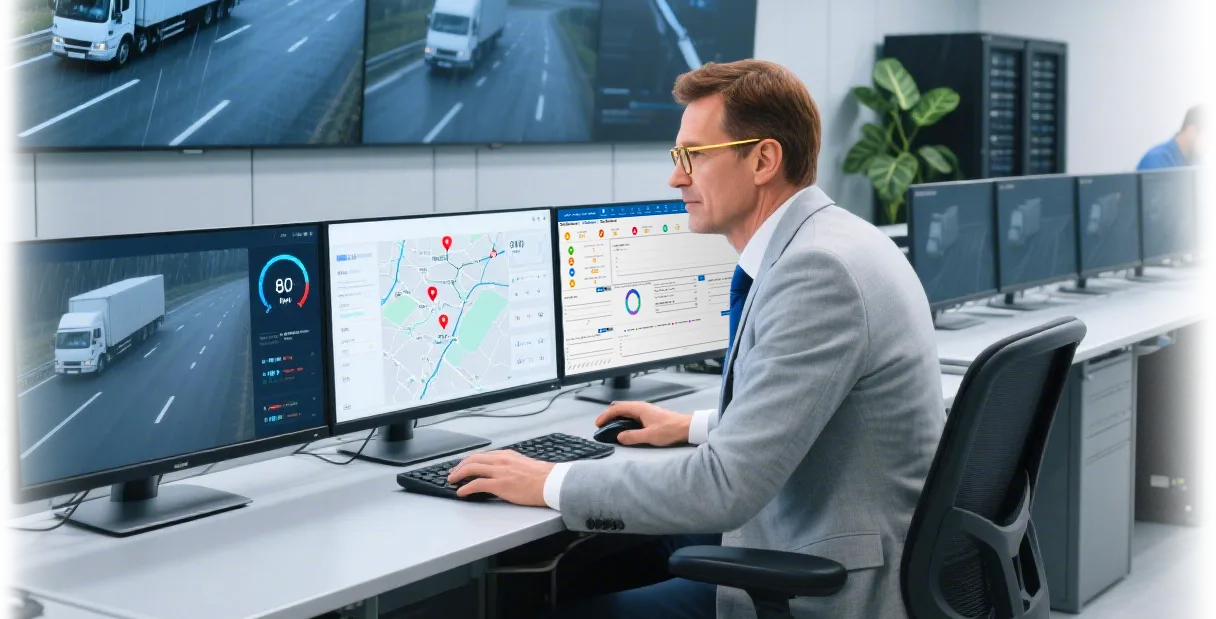
Where can MR700 fit?
The MR700 AI dashcam combines listed road and driver functions. Confirm camera channels, alerts, network and platform features for the chosen version.
Common questions
Can an AI dashcam prevent every accident?
No. It can warn or record, but safe action still depends on people and conditions.
Does video prove fault?
Not by itself. Review the full event and applicable law.
Must a dashcam upload all video?
No. Storage and upload design depend on the device and plan.
Key point to remember
Choose an AI dashcam for specific evidence and warning needs, then test every claim in the real fleet.
Contact AlwayCare to discuss the vehicle, work area and warning or recording needs.
Information checked
This guide uses current NHTSA definitions for driver-assistance warnings and general video-telematics governance practices.
How to Choose the Best Fleet Dash Camera for Your Operation
The “best” fleet dash camera is the one that fits your vehicles, camera views, alert needs, network and review process. It is not a universal ranking. Use the checks below to compare systems with the same requirements.
Describe the fleet
List vehicle types, operating hours, routes, temperatures, road conditions and the people responsible for video review.
Choose the views
Decide whether each vehicle needs road-facing, driver-facing, side or rear video. More views may require a multi-channel MDVR.
Define AI and events
Choose alerts that support a clear coaching or evidence process. Ask how events are triggered, reviewed and corrected during a pilot.
Check GPS and connectivity
Confirm how video is matched with location and time. Live view and remote access need supported hardware, 4G or Wi-Fi, data service, CMS and user permissions.
Plan storage
Set a retention target from channel count, resolution, frame rate and recording hours. Ask what happens when storage is full or the network is unavailable.
Run a pilot
Test event accuracy, day and night video, upload time, search, export, user roles and installation on representative vehicles.
Reliability checks that can be verified
- Operating voltage and temperature range for the target vehicle
- Mounting stability and usable day and night image quality
- Event, time and GPS accuracy in normal fleet operation
- Storage health, offline behavior and evidence export steps
- Software access controls, update process, warranty and support
These checks are more useful than fleet dash cam reviews without a known test method. Ask vendors to show the exact configuration being quoted.
Live View and Telematics Questions
Is a live stream dash cam always transmitting video?
No. Live viewing may be on demand and is limited by the device, network, data plan, platform and access rules. Continuous streaming should not be assumed.
What does remote access mean?
It can mean live viewing, event clips, playback or download. Confirm which actions are supported, how long they take and who is allowed to use them.
How does a telematics dash cam use GPS?
A connected system can associate video with time, location or events. The camera, GPS source, recorder and platform must be configured to work together.