Driver Monitoring Systems for Fleet Fatigue and Distraction
- Share
- publisher
- Vicky
- Issue Time
- Dec 30,2025
Summary
A driver monitoring system can warn about set signs of fatigue or distraction. Learn how DMS alerts work, their limits, and what fleets should check.
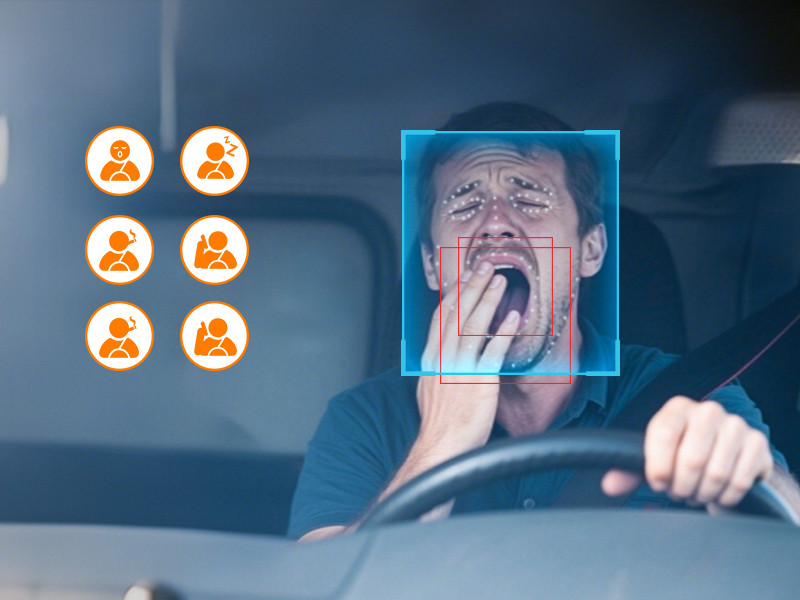
Driver Monitoring Guide
A driver monitoring system, or DMS, uses a camera and software to look for set signs of fatigue or distraction. It can warn the driver and save an event for review. It cannot prove how tired a person feels, and it does not replace rest.
The short answer
DMS can add an early warning layer to a fleet safety plan. Results depend on camera position, alert settings, driver training and a fair review process. No public evidence supports a promise that one DMS will cut every fleet's fatigue risk by 95%.
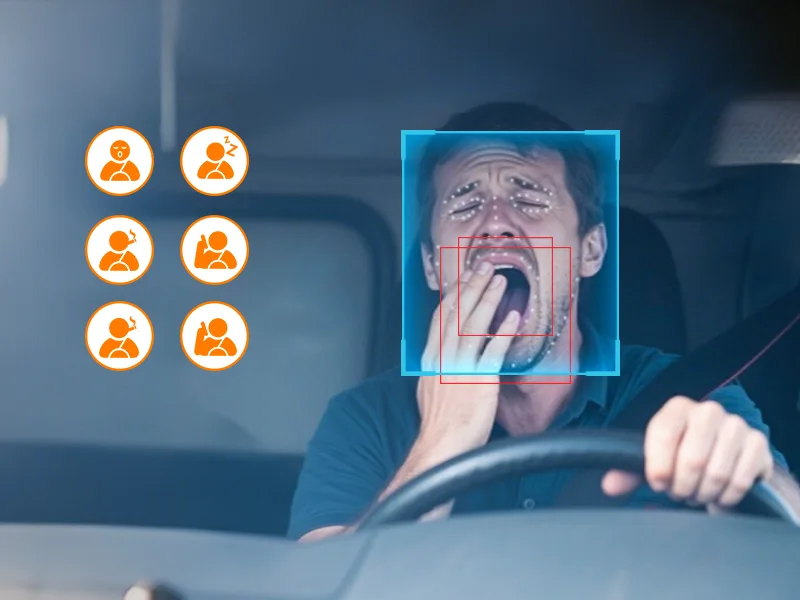
What can a DMS look for?
- Closed eyes: the camera may look for long or repeated eye closure.
- Head position: the system may flag a head that stays turned away.
- Phone use: some models can detect a handheld phone near the driver.
- Smoking: some models include a smoking event rule.
- Seat belt: some systems can check a set belt-use view.
The exact events depend on the product and setup. A fleet should test every event it plans to use.
What happens after an alert?
The camera sees a set pattern
The software compares the driver's face or action with an event rule.
The driver gets a warning
A sound or voice prompt asks the driver to refocus or stop safely.
The event may be saved
A connected system can store a clip, time or location for review.
The fleet reviews the cause
Staff check the event before using it for coaching or another action.
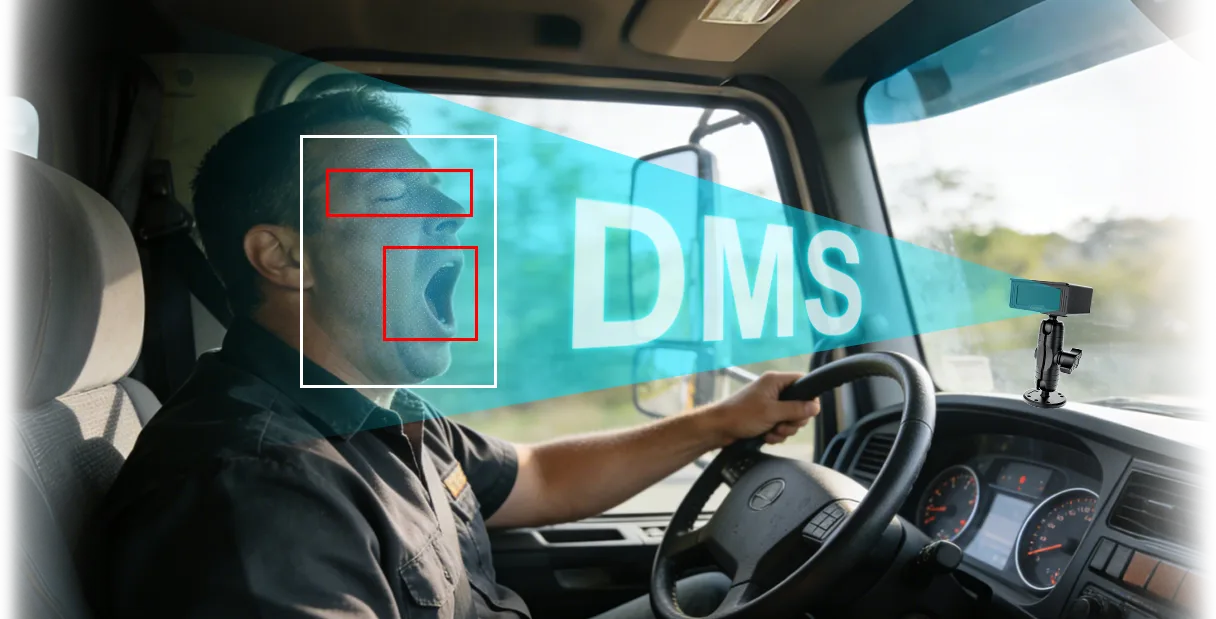
What can make a DMS alert wrong?
Sunglasses, hats, face coverings, poor light and a blocked camera can affect the view. A poor camera angle can also create missed or false events.
Drivers may ignore alerts if the system warns too often. Test alert rules in the real cab and review complaints quickly.
How should a fleet use DMS data?
- Set a clear purpose: explain which risks the system is meant to support.
- Tell drivers: explain what is recorded, who can see it and how long it is kept.
- Check events: do not punish a driver from one alert without review.
- Fix work causes: look at schedules, breaks, routes and workload.
- Track the process: measure alerts, confirmed events, coaching and repeat events.
DMS data should support a safety conversation. It should not hide poor schedules or replace a legal fatigue process.
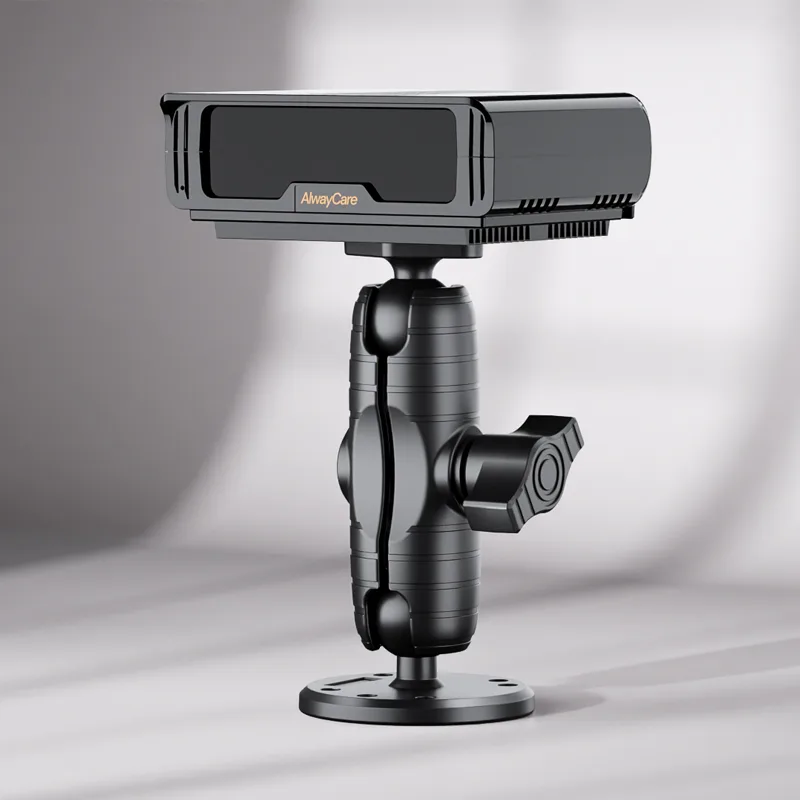
Which AlwayCare DMS fits which need?
MR810
A standalone DMS with 720p recording and listed fatigue, distraction, smoking and phone-use alerts.
MR830
An all-in-one 1080p DMS with optional ADAS, BSD, 4G and fleet-platform functions.
MR910-D
A DMS with five-channel mobile DVR recording, GPS/Beidou and 4G or Wi-Fi.
Review the AlwayCare anti-fatigue solution and verify each model's exact configuration before ordering.
Common questions
Can DMS stop every fatigue crash?
No. It is a warning aid, not a guarantee.
Does an alert prove a driver was asleep?
No. Staff should review the event and context.
Can DMS replace breaks and safe schedules?
No. Rest, scheduling and fitness for duty still matter.
Key point to remember
DMS works best as an early warning and review tool. Set clear rules, train drivers, check alerts and act on the work conditions that cause fatigue.
Contact AlwayCare to compare DMS models for your vehicles.
Information checked
This guide uses public NHTSA information about drowsy driving and the current AlwayCare product records. It does not promise a fixed crash or cost reduction.